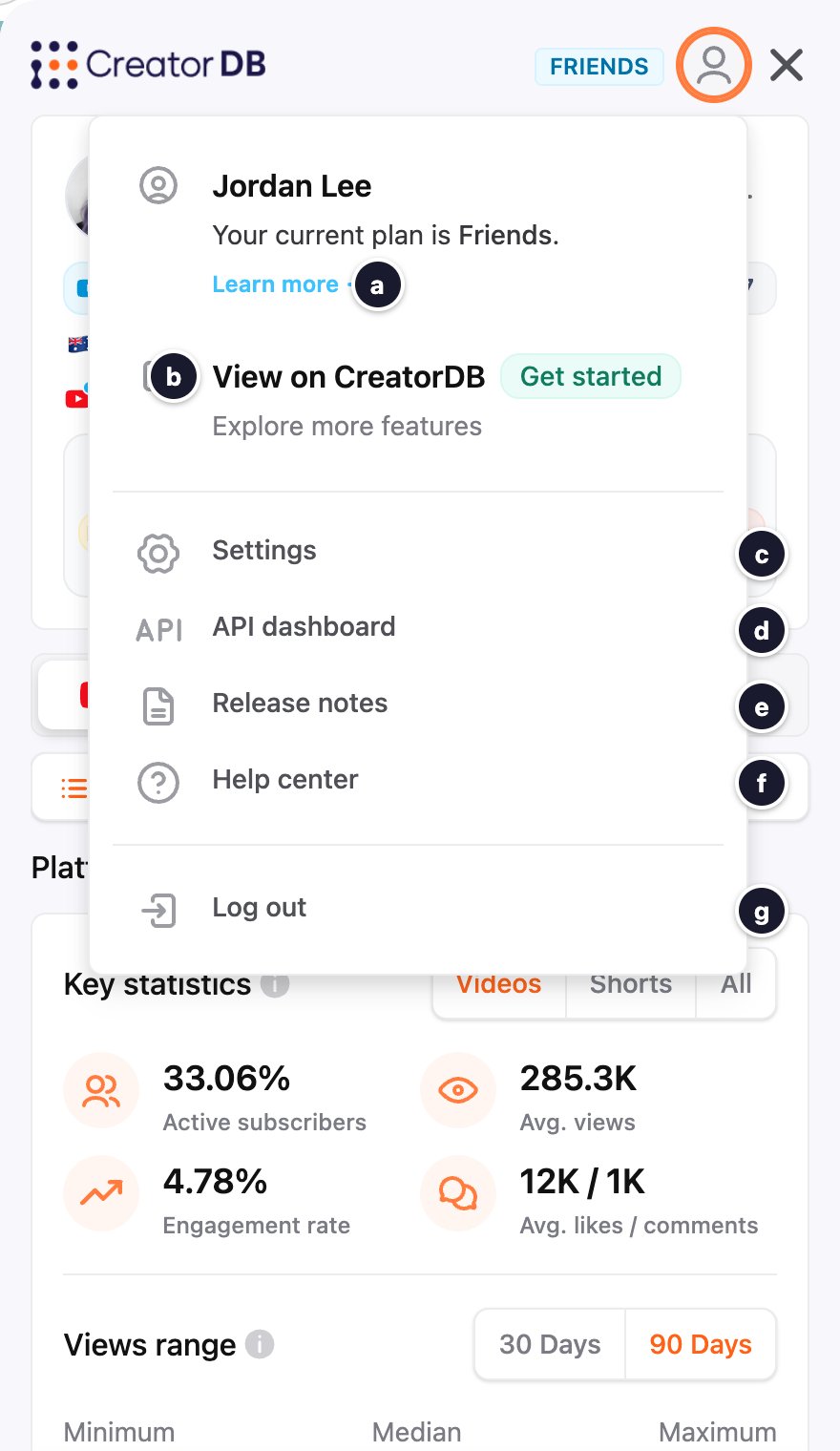
The steps on this page assume Creator Analytics is open on a creator’s page and you’re logged in. For details, see Opening and logging in.
- Open Creator Analytics.
-
Click your profile picture.
A drop-down menu appears.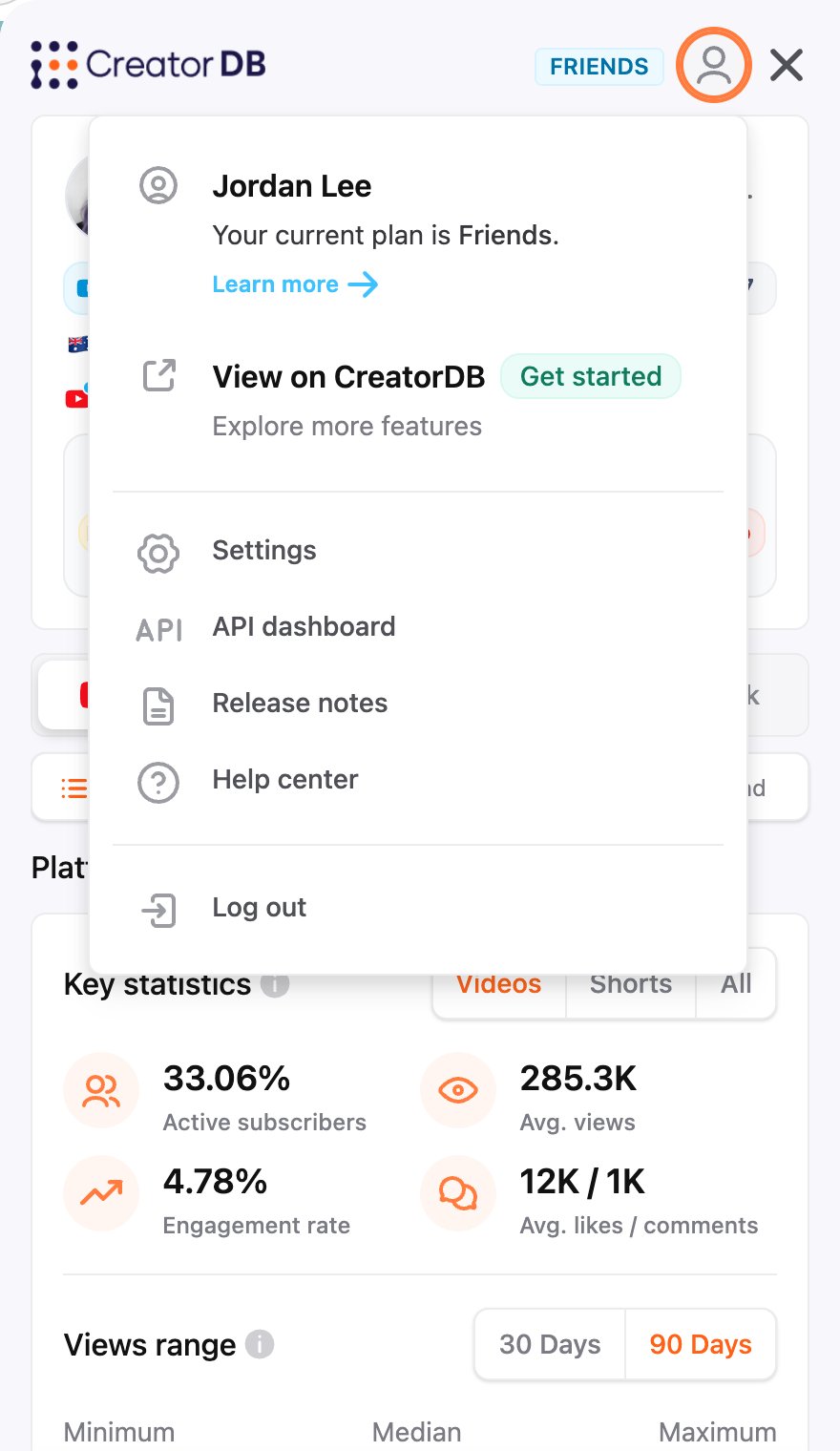
-
Perform any of the following tasks: