

The steps on this page assume Creator Analytics is open on a creator’s page and you’re logged in. For details, see Opening and logging in.
Numbers are shortened to thousands (1K = 1,000) and millions (1M = 1,000,000). On the Free plan, Views range, Audience, and Brand are limited to 5 creator profiles per day. For plans, see Pricing.
Instagram overview
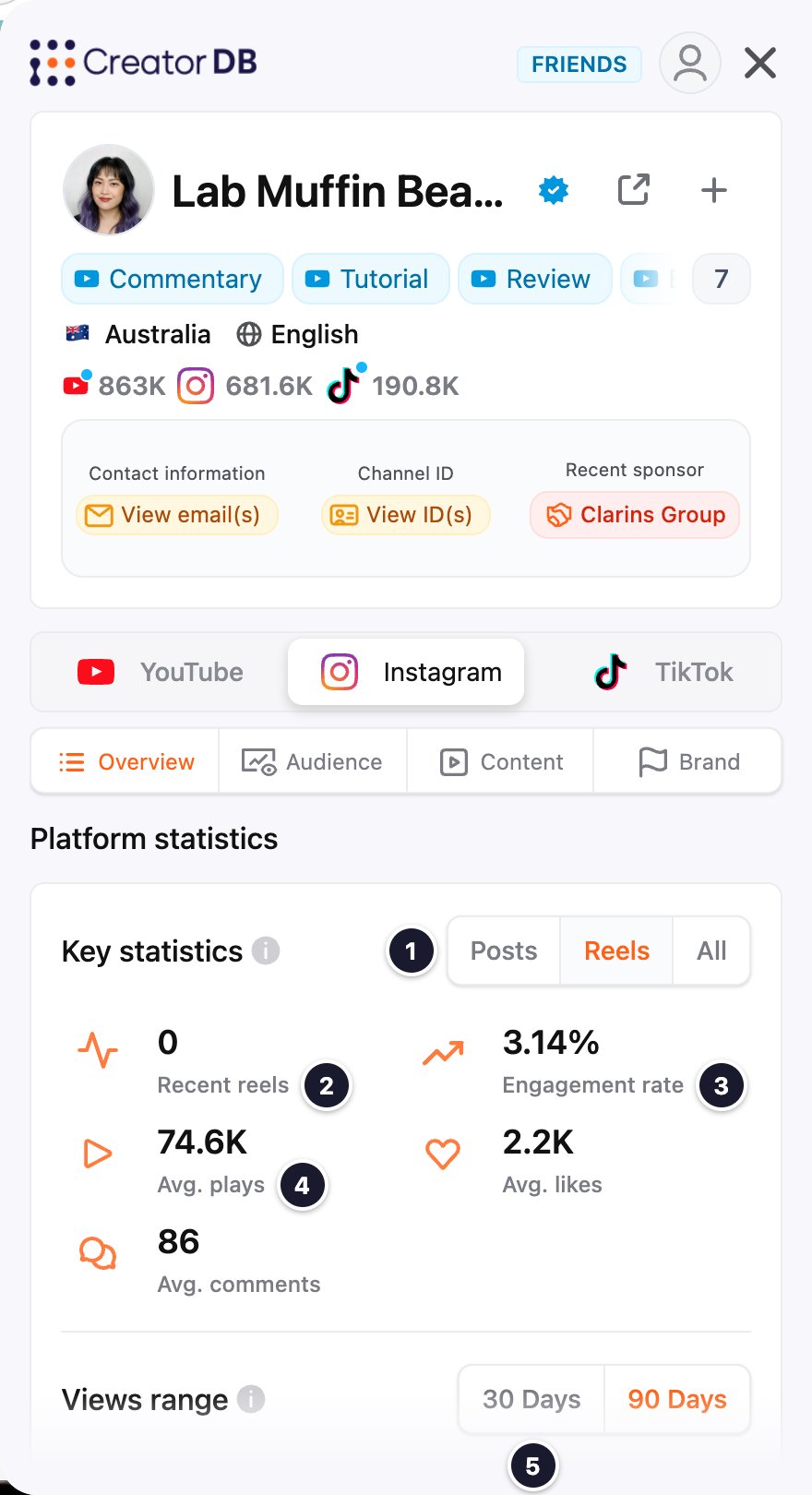
Instagram audience
The Audience tab has the same Demographic overview, Country breakdown, and Age & Gender sections as YouTube. For what each shows, see YouTube audience.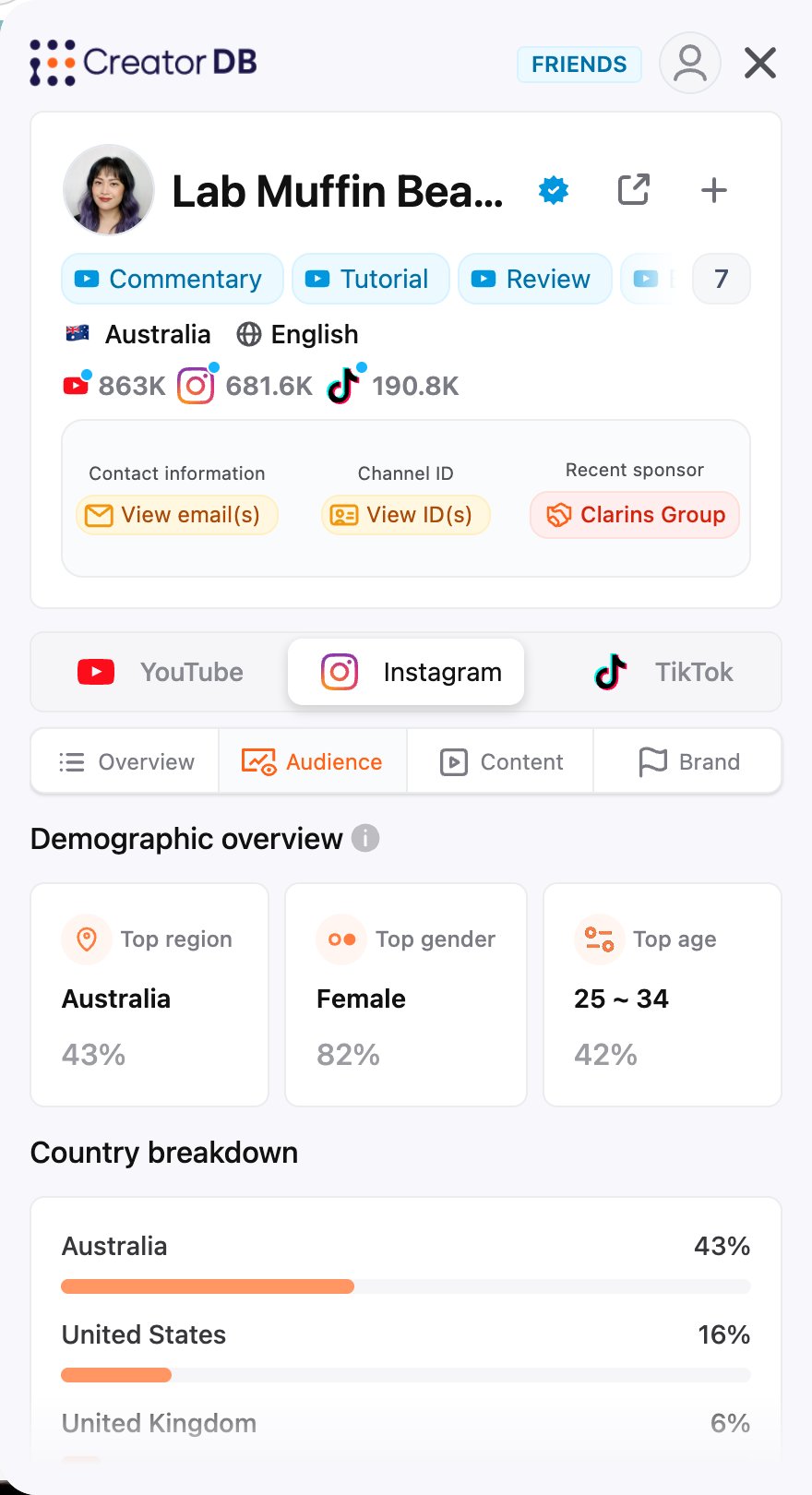
Instagram content
Recent content shows the creator’s recent Instagram Posts or Reels as embedded posts, followed by Recent hashtags, topics & niches and posting frequency, as on YouTube content.Instagram brand
The Brand tab works like YouTube brand: sponsored content performance, Industries, Recent sponsors, and a Sponsored content list you can sort. On Instagram, sponsored reels show the audio source in place of the creator’s follower count.Instagram post metrics overlay
When you open a creator’s profile on Instagram, Creator Analytics by CreatorDB shows a metrics bar on each post and reel in the profile grid. You don’t need to open the extension to see it.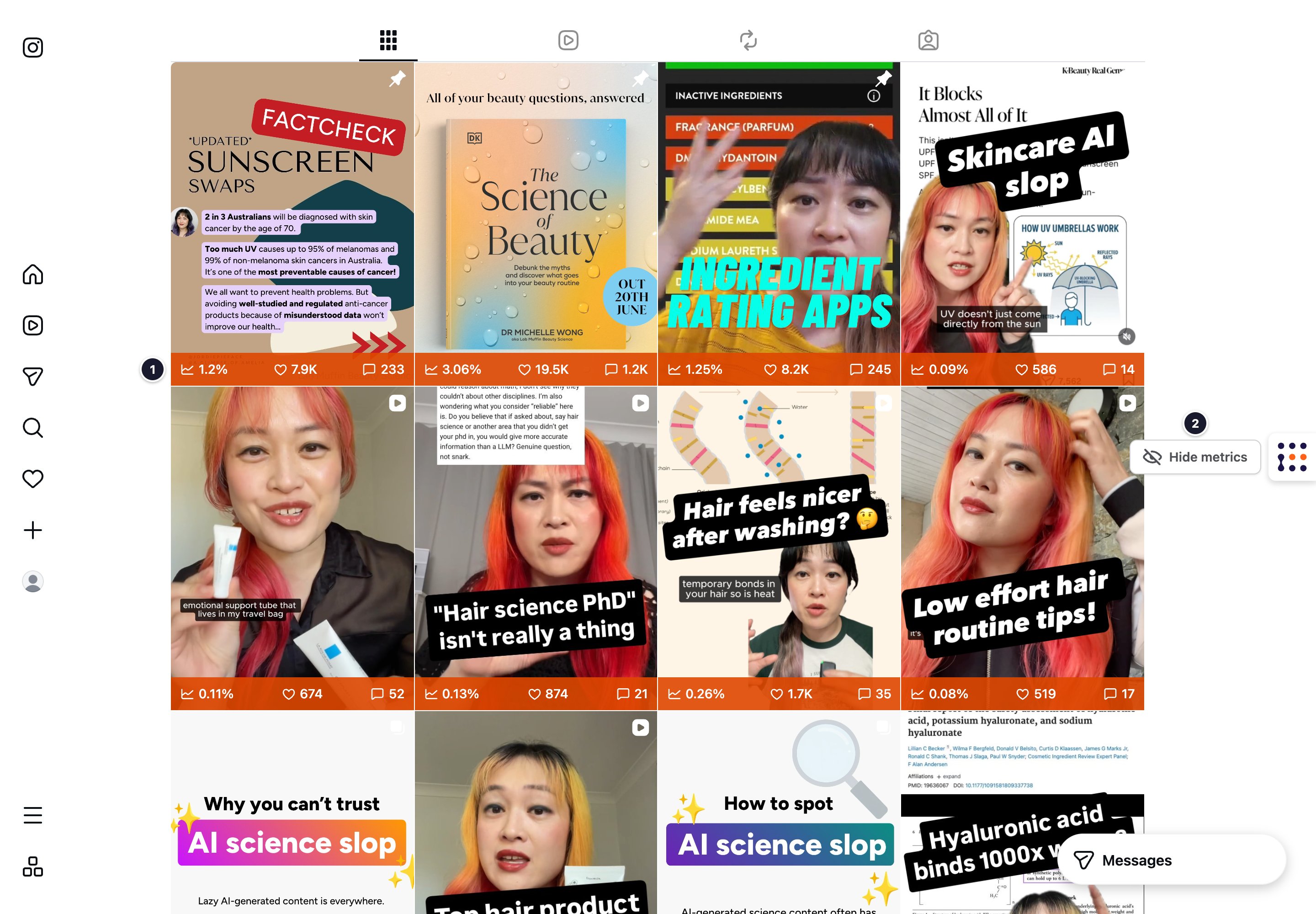
By default, the metrics bars are shown. To hide or show them:
- Go to a creator’s profile on Instagram.
- Hover over the CreatorDB icon.
A Hide metrics or Show metrics button appears next to the icon. - Click Hide metrics to hide the metrics bars, or Show metrics to show them again.