The steps on this page assume Creator Analytics is open on a creator’s page and you’re logged in. For details, see Opening and logging in.
Click TikTok in Creator Analytics to see a creator’s TikTok statistics. Like YouTube, they’re in four tabs: Overview, Audience, Content, and Brand. This page covers what’s different on TikTok; for the shared layout, see Viewing a creator’s YouTube statistics.
Numbers are shortened to thousands (1K = 1,000) and millions (1M = 1,000,000). On the Free plan, Views range and Audience are limited to 5 creator profiles per day. For plans, see Pricing.

TikTok overview
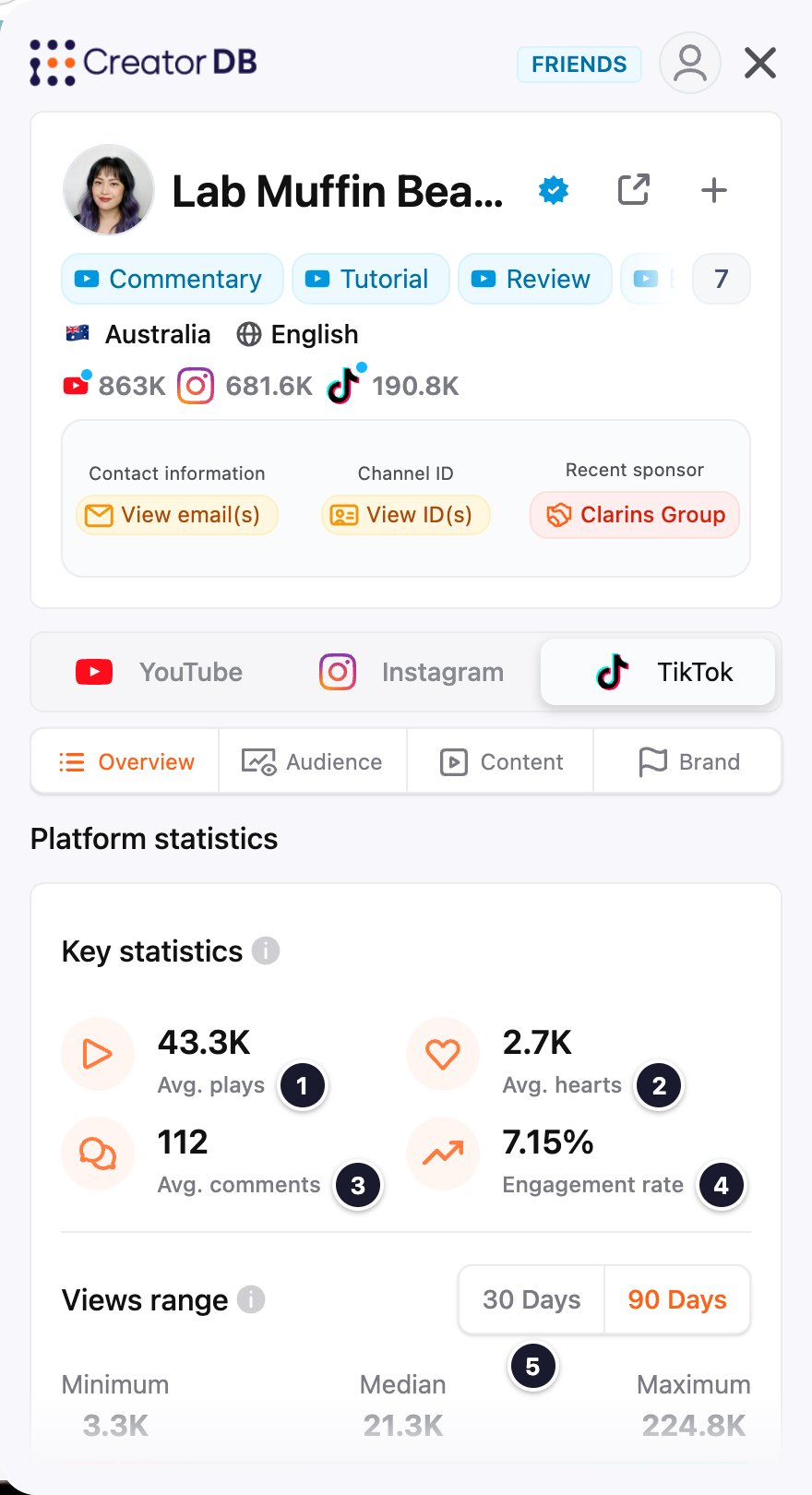
TikTok Overview tab with numbered callouts

TikTok audience

The Audience tab has the same Demographic overview, Country breakdown, and Age & Gender sections as YouTube. For what each shows, see YouTube audience.
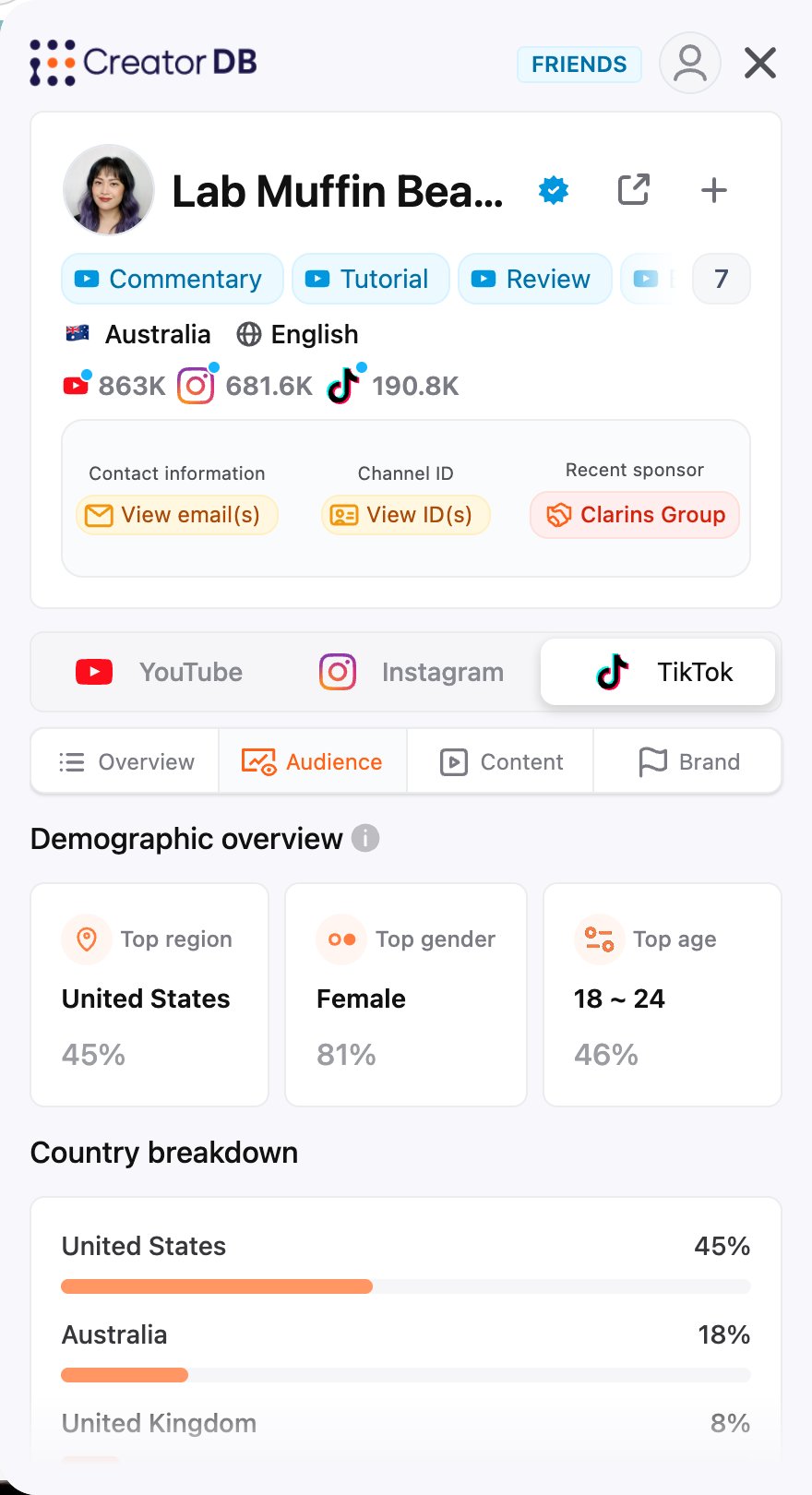
TikTok Audience tab

TikTok content

Recent content shows the creator’s recent videos. Each one shows the description and hashtags, the audio source, the publish date, and the number of comments and shares, and its engagement rate. Below the videos are Recent hashtags, topics & niches and posting frequency, as on YouTube content.

TikTok brand

CreatorDB doesn’t track TikTok sponsorships, so the Brand tab has no sponsorship data for any creator. To see a creator’s sponsors, check their YouTube brand or Instagram brand tab.
Last modified on October 22, 2026