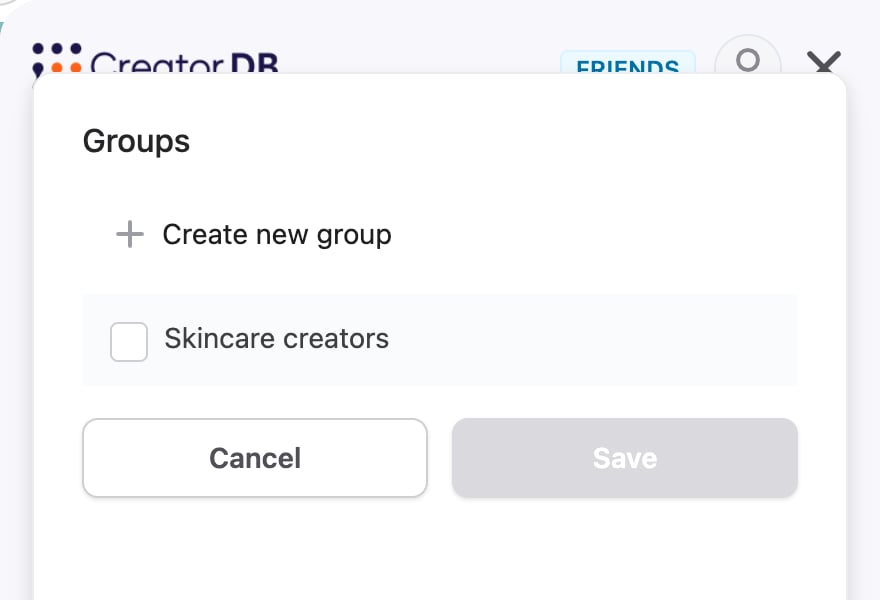
The steps on this page assume Creator Analytics is open on a creator’s page and you’re logged in. For details, see Opening and logging in.
The number of groups you can create depends on your plan. If you reach your plan’s limit, You’ve reached the limits of your plan appears. To upgrade your plan, please visit CreatorDB’s Pricing page.
- Open Creator Analytics on a creator’s YouTube, Instagram, or TikTok page.
- Click the + (Add to…) icon.
A drop-down menu appears.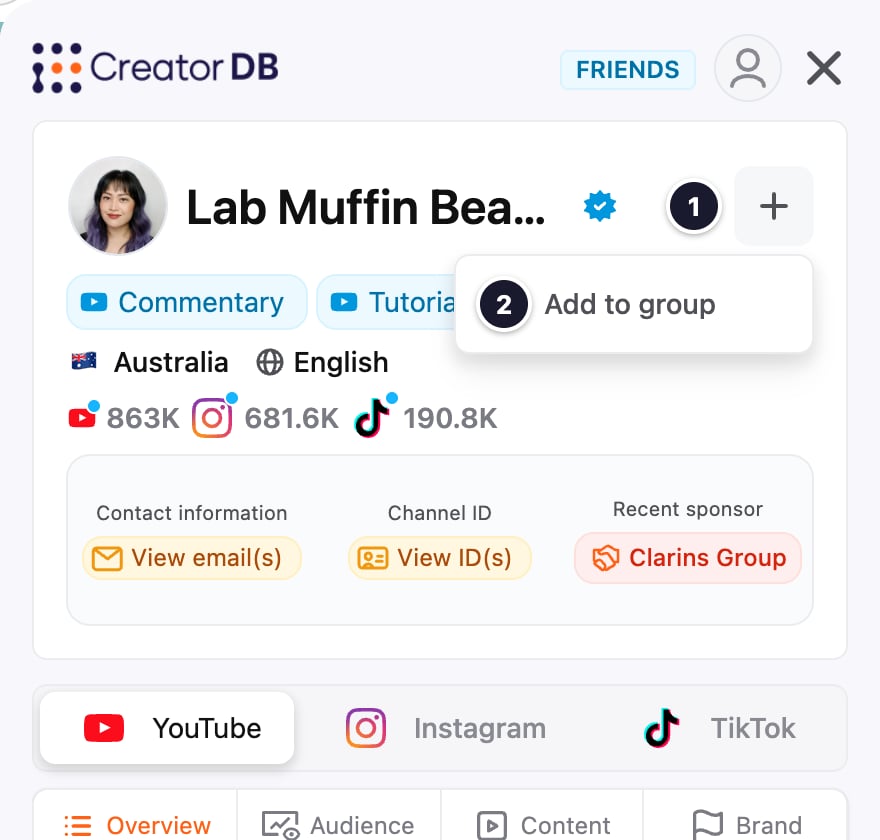
- Click Add to group.
The Groups window appears. - Select one or more groups, or click Create new group, enter a name (and optionally a description), and click Save to create one.
- Click Save.
Creator saved. appears. Click GO TO GROUP to open the group.